Quick Guide to Change ICICI Credit Card Billing Date Online
Is your ICICI Credit Card bill due date always a few days before your salary hits? If you find yourself waiting for payday just to clear your card, you’re not alone.
The good news? The Reserve Bank of India (RBI) mandates that banks, including ICICI, must allow you to change your billing cycle at least once. This is your chance to turn your card from a monthly stressor into a powerful cash-flow management tool.
Here is a quick guide to change your ICICI Credit Card billing cycle and how to pick the perfect date.
Steps to Change ICICI Credit Card Billing Date Online through iMobile
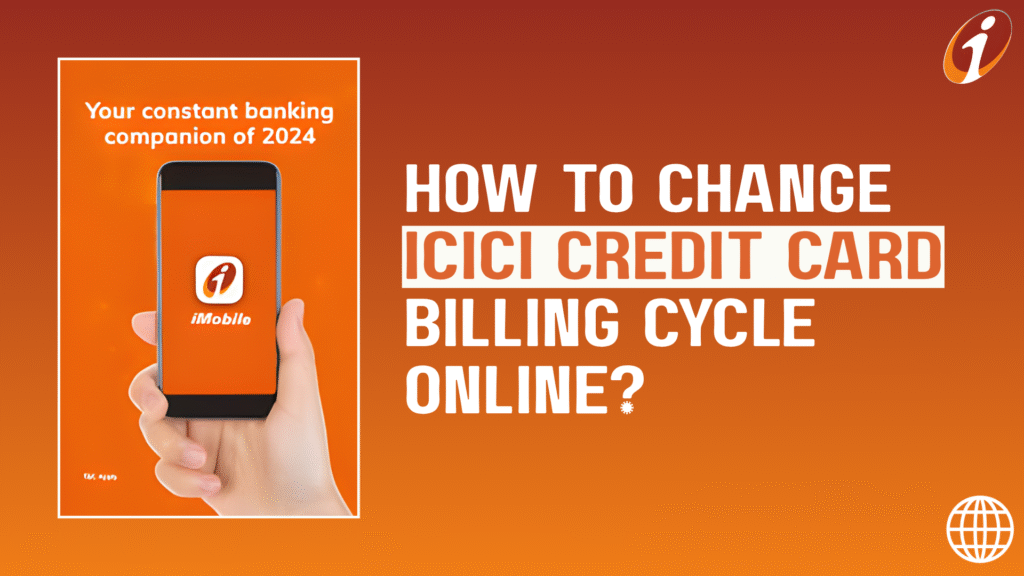
While you can call ICICI Bank customer care, the fastest and most convenient method is through the official ICICI mobile application – iMobile App.
Step-by-Step Guide via the iMobile App
Log In: Open the iMobile Pay app on your phone.
Navigate to Cards: On the main screen, tap on the ‘My Cards’ (or Cards & Forex) section (at left-middle of the screen).
Select Your Card: Choose the specific ICICI Credit Card for which you want to change the date.
Manage Card: Tap on the ‘Manage Card’ option (at right-middle of the screen).
View & Manage Billing: Look for ‘View & Manage Billing Cycle’ (scroll down till the end).
Select New Date: Click on the ‘Desired Billing Cycle’ option and choose your preferred date from the options for Bill Generation.
Submit: Change Bill Generation Date considering the Desired Due Date and confirm the change.
📝 Important Note: ICICI Bank usually restricts how often you can make this change (often once every 6 months or once per year). Choose your date wisely! The new cycle typically takes effect from your next statement.
Pick The Best Date for Credit Card Bill Generation | Tips
The ‘Best Date’ isn’t random. It’s a strategic choice based on when money lands in your account. The goal is two-fold: Sync with Salary and Maximize the Grace Period.
Logic 1: Sync With Salary
- Recommendation: Keep Bill Generation Date near your Salary Day.
- Logic: Your Bill/Statement will be generated a few days after/before your payday. When the bill arrives, the money is already in your account, ensuring you can pay in full immediately. No more waiting, overspending or late fees.
Logic 2: Maximize Grace Period
- Recommendation: Either keep Bill Generation Date right after the day your Major Spend occurs OR Plan your spends just after the Bill Generation Date
- Logic: If a purchase made on the 1st of the month falls into the new cycle, which won’t be billed until the 28th/30th. You then get another 20 days grace period, resulting in almost 50 days of interest-free credit. Perfect for big, early-month expenses like rent or school fees!
💡 Pro Tip for Multi-Card Stagger (Advanced Users)
- Recommendation: Split your cards into two groups: Group 1 generates statements on the 1st-5th, and Group 2 generates on the 15th-20th.
- Logic: This avoids a major financial pinch where all bills are due at the same time. You can clear the first group (for immediate expenses) right after salary, and the second group (for discretionary/mid-month expenses) later in the month when you have a better idea of your remaining cash.
Cult Conclusion
Remember, your ICICI Credit Card billing cycle is a powerful financial tool. Use it to your advantage by aligning your bill date with your payday; Do not use it to delay a payment. If your salary hits on the 1st, set your statement generation for the 5th. This simple alignment is the most effective way to ensure you always pay in full and on time, which is the only real ‘hack’ to building and maintaining a fantastic credit score.

Hey Readers!
We hope you liked our Detailed Guide on How to Change ICICI Credit Card Billing Date Online through iMobile App. We will also recommend you to read our latest blog post comparing Adani One Signature vs Platinum Credit Card.
Spend but Never Miss a Due Date!